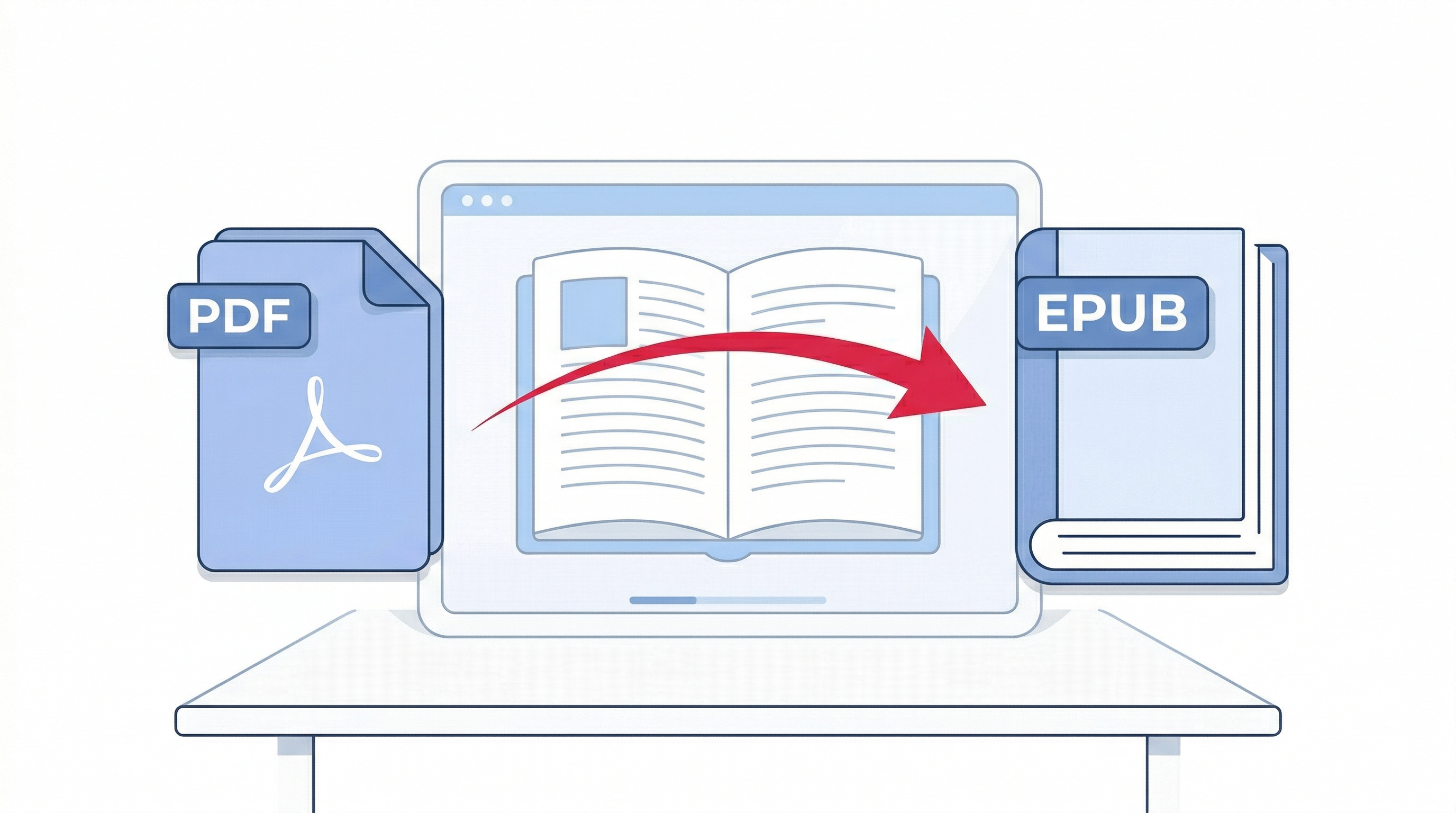
Do you have a PDF document that you want to read on your Kindle, Kobo, or Apple Books? PDFs are great for printing, but they don't always work well on e-readers. The solution? Convert your PDF to EPUB format. EPUB is the most popular ebook format, and it's designed specifically for e-readers and reading apps.
In this comprehensive guide, I'll show you how to convert PDF to EPUB online free, without installing any software, and without uploading your files to any server. Your documents stay private, and the conversion happens directly in your browser.
What is EPUB and Why Convert PDF to EPUB?
EPUB (Electronic Publication) is an open standard ebook format. Unlike PDF, which has a fixed layout, EPUB files are reflowable – meaning the text adapts to your screen size. You can change font size, style, and background color, making it perfect for reading on phones, tablets, and dedicated e-readers.
Here's why converting PDF to EPUB is beneficial:
- Re-flowable text – Read comfortably on any device, from 5-inch phones to 10-inch tablets.
- Adjustable font size – Increase text size for easier reading, especially for long documents.
- Smaller file size – EPUB files are typically much smaller than PDFs.
- Built-in navigation – EPUB supports table of contents, bookmarks, and chapter navigation.
- Wide compatibility – Works on Kindle (after conversion), Kobo, Apple Books, Google Play Books, and more.
Traditional PDF to EPUB Methods vs. Online Converter
Traditionally, converting PDF to EPUB required expensive software like Adobe Acrobat Pro or Calibre (which needs installation). Many online converters ask you to upload your file to their server – a serious privacy risk if your document contains sensitive information.
Our PDFLOVERS PDF to EPUB converter is different: it's 100% client-side. Your PDF never leaves your browser. All processing happens locally on your device. This makes it the safest and most private way to convert PDF to EPUB online.
Step-by-Step: How to Convert PDF to EPUB Using PDFLOVERS
Follow these simple steps to convert your PDF to EPUB ebook format:
- Go to the PDF to EPUB Converter.
- Upload your PDF file – Click the upload area or drag & drop your PDF.
- Wait for conversion – The tool extracts all text and creates a valid EPUB ebook.
- Download your EPUB file – Save the ebook to your device and transfer it to your e-reader.
That's it! The whole process takes only a few seconds, and you don't need to create an account or provide any personal information.
Features of Our Free PDF to EPUB Converter
- ✅ 100% Free – No hidden costs, no watermarks, no limits.
- ✅ Client‑Side Processing – Your files never leave your device. Complete privacy.
- ✅ Automatic Table of Contents – Each PDF page becomes a chapter in the EPUB.
- ✅ Clean XHTML Output – Properly structured content for e-readers.
- ✅ No Signup or Installation – Works directly in your browser.
- ✅ Supports Large Files – Convert PDFs up to 150MB.
Tips for Best PDF to EPUB Conversion Results
- Use text-based PDFs – Our converter works best with PDFs that contain selectable text. Scanned PDFs (images) will not convert well.
- Check your PDF before converting – If your PDF has complex tables or graphics, the EPUB may not preserve the exact layout.
- Edit the EPUB after conversion – Use free tools like Calibre to fine-tune the ebook metadata and formatting.
Common Questions About PDF to EPUB Conversion (FAQ)
No, our converter extracts text directly from the PDF. If your PDF is a scanned image, you'll need to use an OCR tool first. Try our PDF to Word tool for OCR support.
Kindle devices natively support AZW and MOBI formats. You can convert EPUB to MOBI using free tools like Calibre, or email the EPUB to your Kindle's Send-to-Kindle email address.
Yes – when you use PDFLOVERS. Your files are never uploaded; all processing happens locally in your browser. Your documents stay completely private.
No, you need to unlock the PDF first using our Unlock PDF tool.
Typically 5-15 seconds, depending on the file size and your device speed.
Why PDFLOVERS Is the Best Choice for PDF to EPUB Conversion
There are many online PDF tools, but most of them either charge money, add watermarks, or upload your files to unknown servers. PDFLOVERS was built with a simple mission: provide fast, free, and private PDF tools that respect your privacy.
Our PDF to EPUB converter is trusted by thousands of users – from authors publishing ebooks to students converting lecture notes. The tool is open-source friendly and uses the trusted pdf-lib library to ensure accurate results.
Try Our Other Free PDF Tools
Final Words
Converting PDF to EPUB doesn't have to be complicated or expensive. With PDFLOVERS, you get a fast, secure, and completely free solution that works right in your browser. No signup, no upload – just pure client-side magic.
Next time you need to read a PDF on your e-reader, remember this guide and use our tool. If you found it helpful, please share it with others!