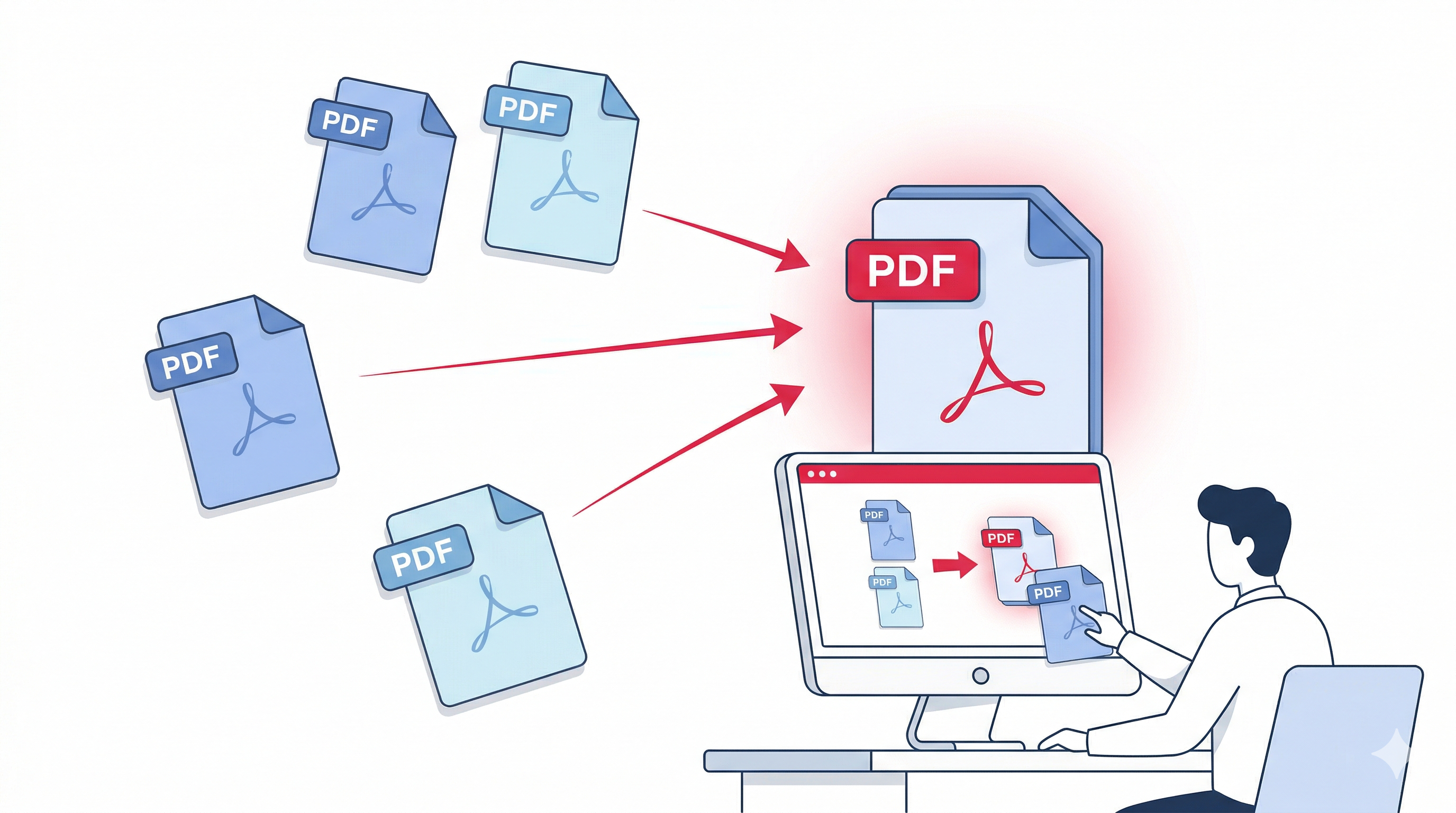
Do you have multiple PDF documents that you want to combine into one file? Whether it's merging invoices, reports, scanned pages, or presentation slides, combining PDFs is a common need. In this guide, we'll show you how to merge PDF files online for free – without installing any software, without uploading sensitive data to a server, and without spending a penny.
Our free online PDF merger works directly in your browser using client-side technology. Your files never leave your computer, so privacy is guaranteed. Let's dive in!
Why Would You Need to Merge PDF Files?
Merging PDFs is useful in many scenarios:
- Business reports – Combine monthly reports into a single quarterly document.
- Scanned documents – Join multiple scanned pages into one PDF.
- Invoices and receipts – Create a single file for accounting.
- Presentations – Merge several PDF slides into one deck.
- Ebooks or manuals – Assemble chapters into a complete book.
- Job applications – Combine your CV, cover letter, and certificates into one PDF.
Traditional Ways vs. Online PDF Merger
Traditionally, you would need expensive software like Adobe Acrobat Pro or desktop tools that require installation and often a subscription. Many online PDF mergers ask you to upload your files to their server – a serious privacy risk for confidential documents.
Our PDFLOVERS PDF merger is different: it's 100% client-side. Your files are processed locally in your browser. Nothing is uploaded. This makes it the safest and most private way to merge PDFs online.
Step‑by‑Step: How to Merge PDF Files Using PDFLOVERS
Follow these simple steps to combine multiple PDFs into one document:
- Go to the Merge PDF tool.
- Upload your PDF files – Click the upload area or drag & drop your PDFs. You can select multiple files at once.
- Arrange the order – Use the up/down buttons to reorder the files as you want them to appear in the final document.
- Click "Merge PDFs" – The tool will instantly combine all pages into a single PDF.
- Download your merged file – Save the new PDF to your device.
That's it! The whole process takes only a few seconds, and you don't need to create an account or provide any personal information.
Features of Our Free PDF Merger
- 100% Free – No hidden costs, no watermarks, no limits.
- Client‑Side Processing – Your files never leave your device. Complete privacy.
- No Signup Required – Use it instantly without registration.
- Reorder Pages – Arrange files in any order before merging.
- Supports Large Files – Merge PDFs up to 150MB total.
- Works on Any Device – Desktop, tablet, or mobile – all modern browsers supported.
Tips for a Smooth Merging Experience
- Make sure your PDFs are not password-protected (if they are, unlock them first using our Unlock PDF tool).
- If you need to reduce file size after merging, use our Compress PDF tool.
- For rearranging pages within a single PDF, try our Split PDF tool (you can extract and reorder individual pages).
Common Questions About Merging PDFs (FAQ)
Yes – when you use PDFLOVERS, your files are never uploaded. All merging happens in your browser, so your documents stay completely private.
Absolutely. You can add as many PDFs as you want (up to the file size limit).
No. The merger preserves the original quality of all pages exactly as they are.
Yes! Our tool is fully responsive and works on smartphones and tablets.
No, everything runs in your web browser – no downloads, no plugins.
Why PDFLOVERS Is the Best Choice for PDF Merging
There are many online PDF tools, but most of them either charge money, add watermarks, or upload your files to unknown servers. PDFLOVERS was built with a simple mission: provide fast, free, and private PDF tools that respect your privacy.
Our PDF merger is used by thousands of people every day – from students and teachers to business professionals and legal experts. The tool is open-source friendly and uses the trusted pdf-lib library to ensure accurate results.
Try Our Other Free PDF Tools
Final Words
Merging PDF files online doesn't have to be complicated or expensive. With PDFLOVERS, you get a fast, secure, and completely free solution that works right in your browser. No signup, no upload – just pure client-side magic.
Next time you need to combine PDFs, remember this guide and use our tool. If you found it helpful, please share it with others!