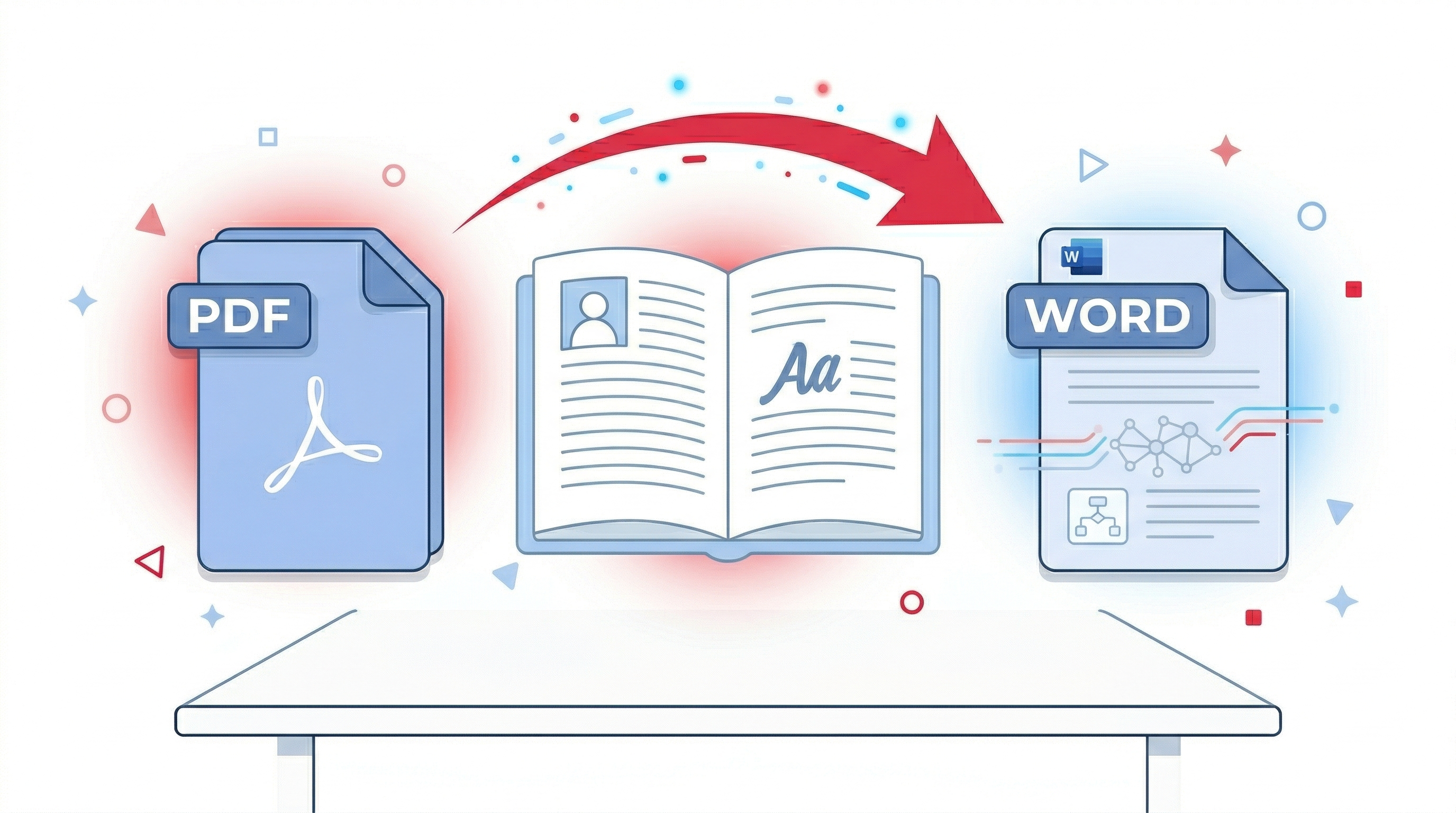
I love PDF to Word conversion – and you will too!
Looking for a reliable PDF to Word converter? You've found it. PDFLOVERS makes converting PDFs to editable Word documents – simple, fast, and completely free.
Convert your PDFs to Word files for free so you can edit your documents as you please. Our tool is 100% free to use and requires no registration, no upload, no signup. There's nothing more satisfying than converting a PDF file into a fully editable Word document with all its formatting retained – for free. Follow our guide below to find out how to convert your PDF to a Word file with our beloved PDF tool.
How to Convert PDF to Word Online for Free
- Go to the free PDF to Word converter.
- Upload your PDF document via drag and drop from your device.
- Wait for the conversion to complete – it takes just a few seconds.
- Download your editable Word document (DOCX) instantly.
That's it! No software to install, no account to create, and no files to upload to any server. Everything happens directly in your browser.
Why I Love PDF to Word (and You Will Too)
- ❤️ It's completely free – No hidden costs, no premium tiers, no watermarks.
- ❤️ Preserves formatting – Your fonts, images, and layout stay intact.
- ❤️ Client-side processing – Your files never leave your computer. Absolute privacy.
- ❤️ No signup required – Use it instantly, no email, no password.
- ❤️ Fast and accurate – Convert even large PDFs in seconds.
What Makes PDFLOVERS Different from Other PDF to Word Converters?
Many online PDF to Word converters ask you to upload your file to their server. This is a serious privacy risk – especially if your document contains sensitive information like contracts, bank statements, or personal data.
PDFLOVERS is different. Our PDF to Word converter works entirely in your browser. We use PDF.js to extract text and the docx library to create Word documents. Your PDF never leaves your device. This makes us the safest and most private PDF to Word converter online.
Common Questions About PDF to Word Conversion
Yes! 100% free. No watermarks, no limits, no signup required. We believe everyone should have access to free PDF tools.
Yes, we preserve text, paragraphs, images, and basic formatting. For complex layouts with tables, results may vary.
Absolutely – when you use PDFLOVERS. Your files never leave your browser. No upload, no server processing.
If your PDF has selectable text, yes. For scanned images, try our PDF to Word tool which includes basic OCR support.
No. Everything runs in your web browser – no downloads, no plugins.
Tips for Best PDF to Word Conversion Results
- Use PDFs with selectable text (not scanned images) for best results.
- If your PDF has complex tables, consider using our PDF to Excel tool instead.
- After conversion, open the Word file and make any final adjustments using Microsoft Word or Google Docs.
I love PDF to Word – and once you try PDFLOVERS, you will too!
Try Our Other Free PDF Tools
Final Words
Converting PDF to Word doesn't have to be complicated or expensive. With PDFLOVERS, you get a fast, secure, and completely free solution that works right in your browser. No signup, no upload – just pure client-side magic.
So go ahead – convert your PDF to Word today. You'll love how easy it is!