How to Compress PDF Without Losing Quality
Large PDF files can be difficult to upload, share or send through email. Compressing a PDF file helps reduce its size while maintaining good quality. In this guide, you will learn how to compress PDF files without losing quality using free online tools.
What is PDF Compression?
PDF compression is the process of reducing the file size of a PDF document. It works by optimizing images, removing unnecessary data and compressing internal elements without significantly affecting the visible quality of the document.
Why Compress PDF Files?
There are many reasons to compress PDF files:
- Faster file uploads
- Easy sharing via email
- Reduced storage space
- Better performance on websites
Compressed files are easier to handle and save time during document sharing.
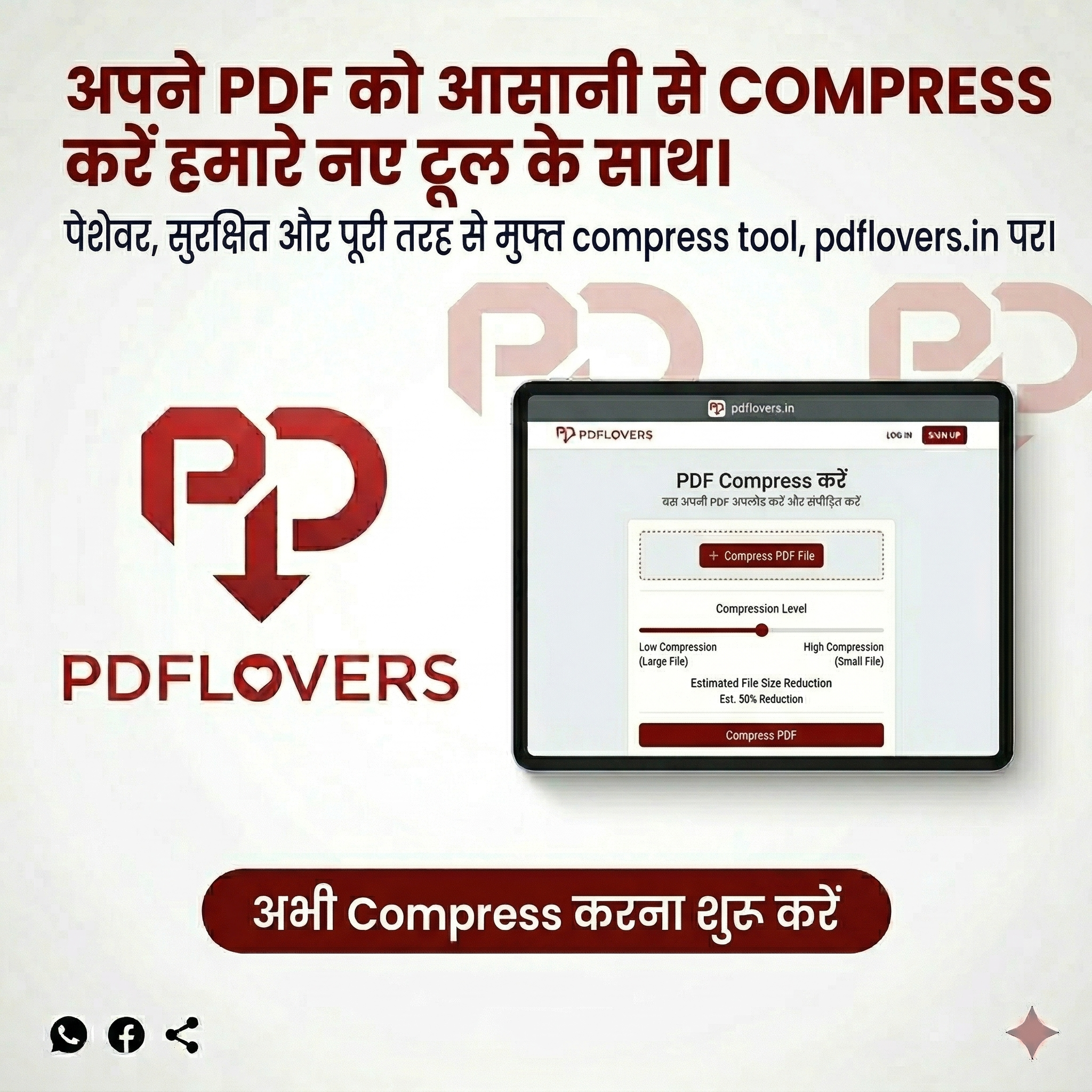
How to Compress PDF Without Losing Quality
Follow these simple steps:
- Open the Compress PDF tool
- Upload your PDF file
- Start the compression process
- Download the smaller file instantly
Our tool ensures that the document remains clear and readable after compression.
Tips to Maintain Quality
- Avoid over-compressing the file
- Use high-quality source documents
- Choose balanced compression settings
If you need to edit your file, you can also use our Edit PDF tool.
Related PDF Tools
Try our other tools: Merge PDF, Split PDF, Rotate PDF, PDF to Word
Conclusion
Compressing PDF files without losing quality is easy when using the right tools. Whether you need to reduce file size for sharing or storage, online PDF tools provide a fast and secure solution. Try it today and make your PDFs lighter and easier to manage.