How to Add or Remove Watermark in PDF Online
Watermarks are commonly used in PDF documents to protect content, show ownership or add branding. Many companies and individuals add watermarks such as logos, text labels like “Confidential” or copyright notices to their files. In this guide, you will learn how to add or remove a watermark in PDF files easily using free online tools.
Why Add a Watermark to PDF?
Adding a watermark to a PDF document helps protect your files from unauthorized use. Businesses often use watermarks to display their brand name or logo on documents. Watermarks can also indicate document status such as “Draft”, “Confidential” or “Sample”.
You can easily add a watermark using our free Add Watermark to PDF tool. Simply upload your PDF file, add your watermark text or image and download the updated document instantly.
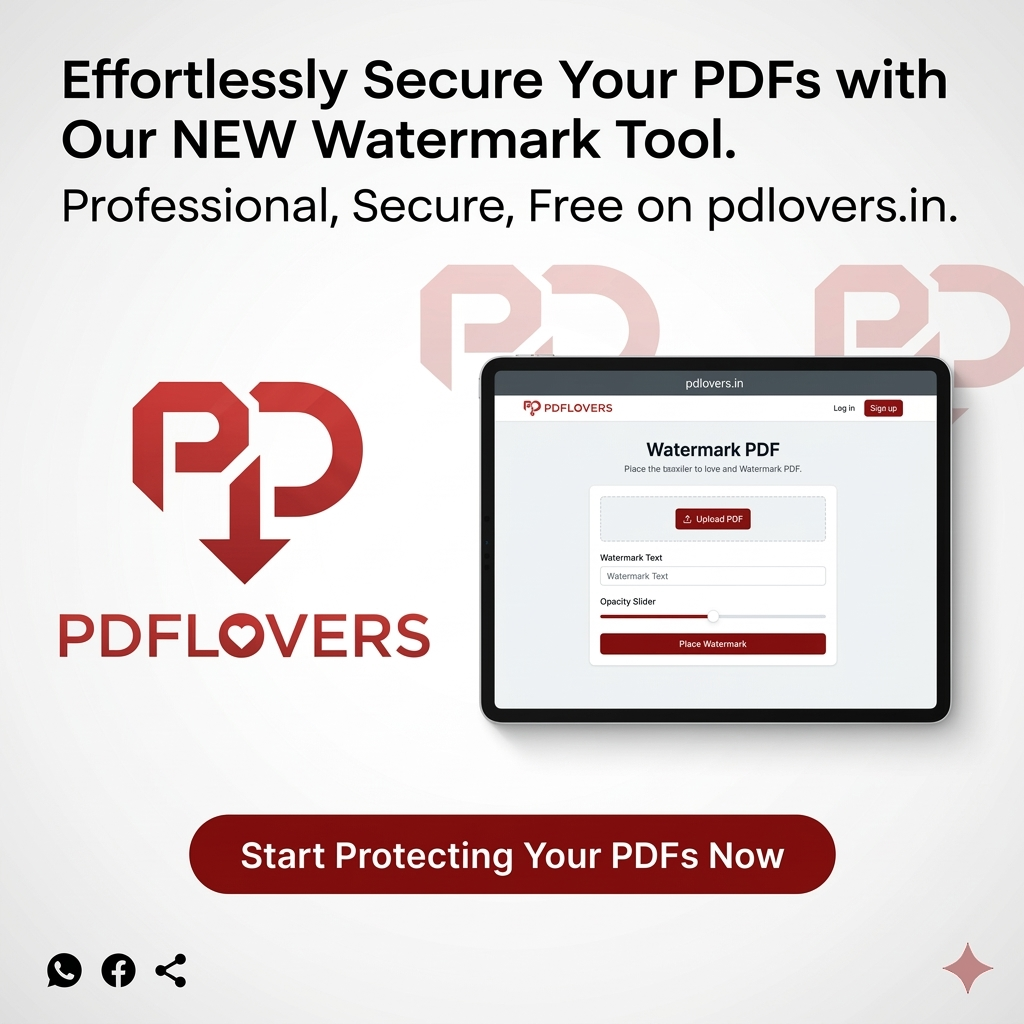
How to Add Watermark to PDF Online
Follow these simple steps to add a watermark to your PDF file:
- Open the Watermark PDF tool.
- Upload the PDF document.
- Add your text or image watermark.
- Adjust the position and size.
- Download the updated PDF file.
How to Remove Watermark from PDF
If you have permission to edit the document, you can also remove watermarks from PDF files. Removing watermarks helps when you want a clean version of the document or need to reuse content.
After removing the watermark, you can further modify your file using tools such as Edit PDF or reduce the file size with our Compress PDF tool.
Benefits of Using Online PDF Tools
Online PDF tools allow you to manage documents quickly without installing large software programs. Whether you want to merge, split or rotate files, tools like Merge PDF and Rotate PDF help you complete tasks within seconds.
Using online PDF tools saves time and works on any device including desktop, tablet or mobile phone.
Conclusion
Adding or removing watermarks in PDF files is simple when using the right tools. Whether you want to protect documents or remove unwanted marks, online tools provide a fast and secure solution. Try our free PDF tools to manage your documents easily.