How to Convert PDF to HTML Online Free
PDF files are widely used for sharing documents, but they are not always easy to edit or publish on websites. If you want to reuse content from a PDF file for your website or blog, converting it into HTML is the best solution. In this guide, you will learn how to convert PDF to HTML online for free in a simple and effective way.
What is PDF to HTML Conversion?
PDF to HTML conversion is the process of transforming a PDF document into a web-friendly format. HTML (HyperText Markup Language) is the standard language used to create web pages. By converting a PDF into HTML, you can edit content, improve SEO and publish it online easily.
Why Convert PDF to HTML?
There are several reasons why users convert PDF files into HTML format:
- To edit and reuse content easily
- To publish content on websites
- To improve search engine visibility
- To make documents mobile-friendly
Unlike PDF files, HTML content can be easily updated and optimized for search engines.
How to Convert PDF to HTML Online
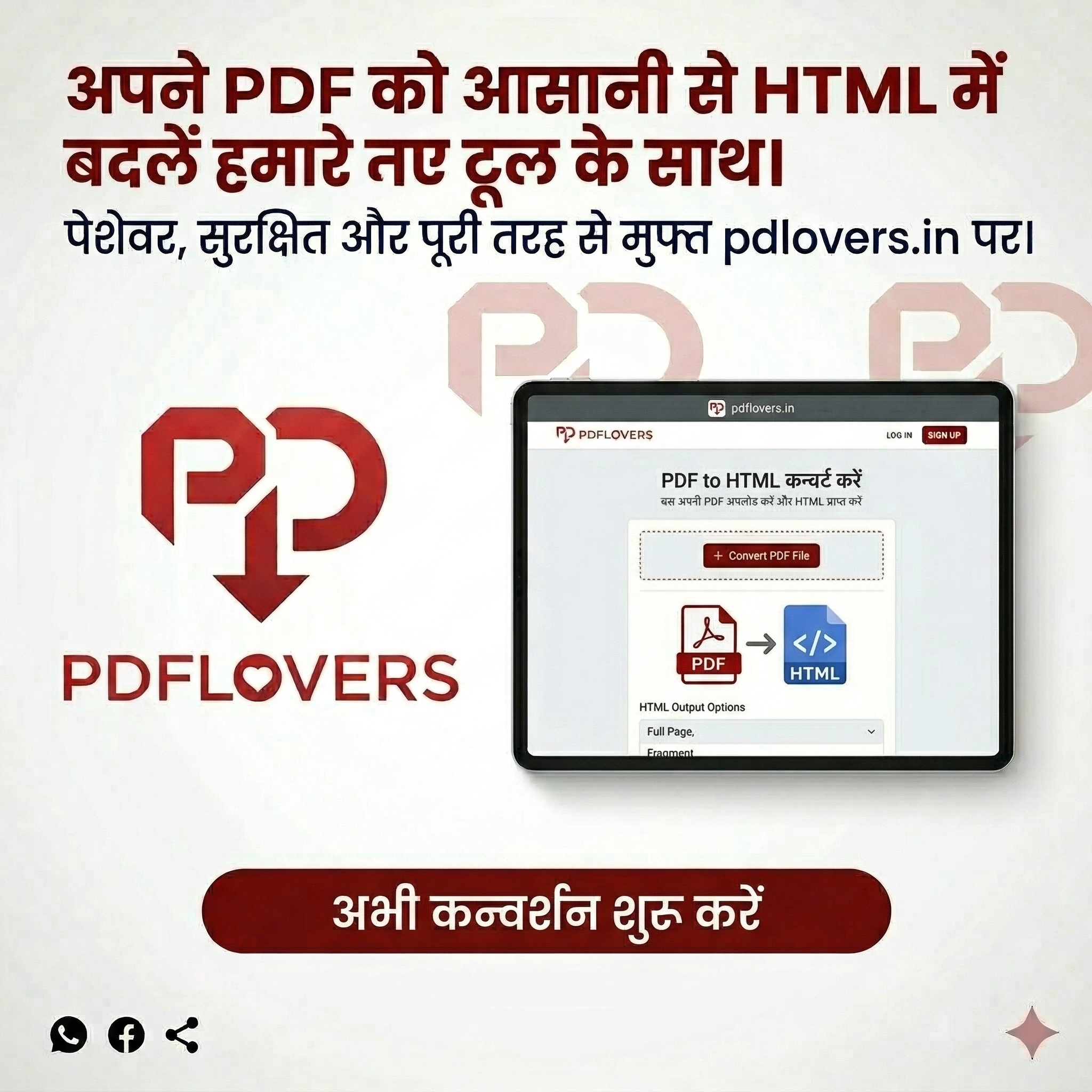
Follow these simple steps to convert your PDF file into HTML:
- Open the PDF to HTML converter
- Upload your PDF file
- Start the conversion process
- Download the HTML file
The entire process works directly in your browser without installing any software.
Benefits of Using an Online PDF to HTML Tool
Using an online tool is the easiest way to convert PDF files. Here are some benefits:
- No installation required
- Fast and easy to use
- Works on all devices
- Secure file processing
You can also use other tools like PDF to Word or PDF to Excel if you need editable formats.
Is PDF to HTML Conversion Safe?
Yes. Online tools process files securely and do not store them permanently. Your data remains safe during the conversion process.
Related PDF Tools
Try our other tools: Merge PDF, Compress PDF, Split PDF, Rotate PDF
Conclusion
Converting PDF to HTML is a smart way to make your content editable and web-ready. Whether you are a developer, blogger or business owner, using an online PDF to HTML tool can save time and improve productivity. Try it now and turn your PDFs into dynamic web content.